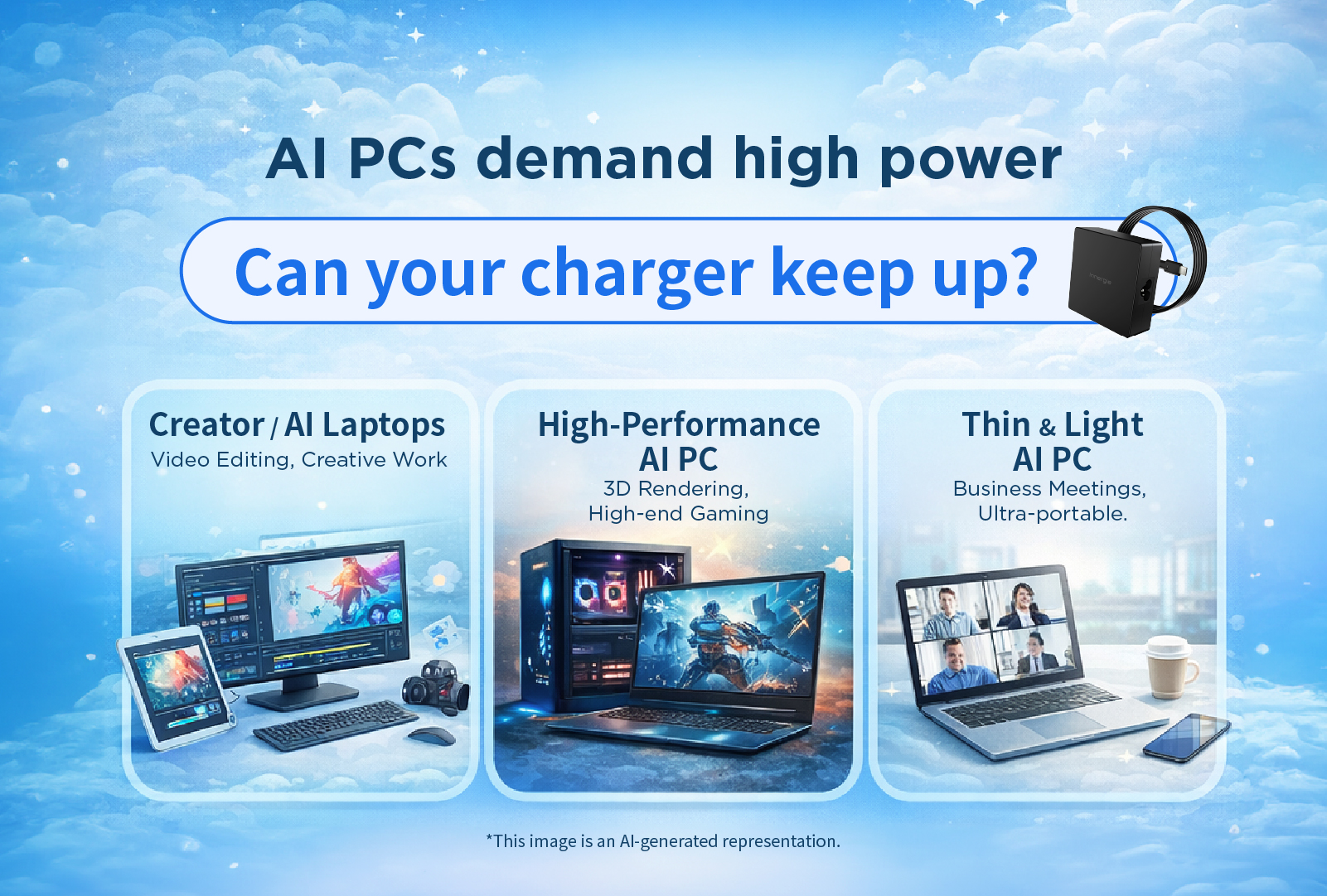

In recent years, AI PCs (AI laptops) have become one of the hottest trends in the laptop market. From AI real-time captions and AI photo editing to local AI document processing, major brands are launching laptops specifically designed for AI computing.
However, many users encounter these issues after upgrading to an AI laptop:
The answer is simple — Your laptop charger may not meet the high wattage requirements of an AI PC.
Backed by Delta Electronics’ power supply expertise, Innergie will guide you through:
*Special thanks to Delta Electronics Power Supply Business Unit R&D — Daya “G-Dragon” — for assisting in the completion of this article.*
Traditional laptops mainly rely on the CPU and GPU, while AI PCs include an additional NPU (Neural Processing Unit) dedicated to AI workloads.
When running AI features such as:
…the system performs intensive computations, significantly increasing power consumption.
If you use an old or low-wattage charger, you may experience:
Laptop Type | Use Case | Recommended Charger |
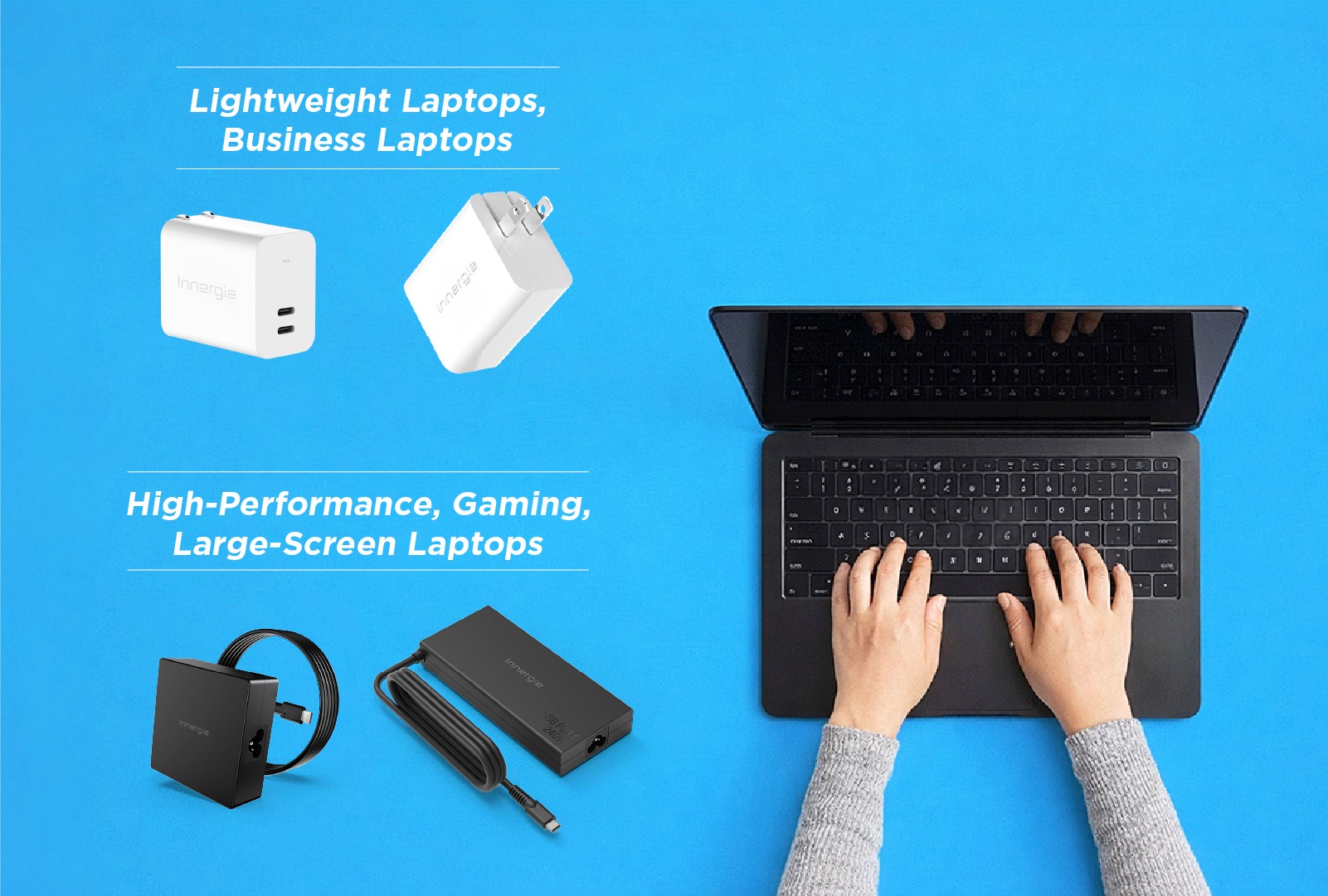
Lightweight AI PC | Office work, AI assistants | 65W+ USB-C PD charger |
Creator / AI Laptop | Photo editing, video editing, AI generation | 100W+ fast charger |
High-performance AI PC | Dedicated GPU / powerful processors | 140W+ high wattage charger |
* Insufficient wattage may cause battery drain or performance throttling under heavy load.
Look for support for:
A GaN charger offers:
Perfect for high-performance AI laptops and long working hours
Many users overlook this critical factor:
Your USB-C charging cable must support high wattage
Not necessarily — but if your charger wattage is too low, your battery may drain during heavy workloads.
Yes. The laptop will automatically draw only the required power.
Yes. AI workloads significantly increase power consumption, requiring higher wattage chargers.
AI PCs are transforming laptops into powerful AI assistants, but they also bring higher power demands.
Choosing the right high wattage, efficient, and stable laptop charger is essential to:
With decades of expertise in power management and charging technology, Innergie delivers high-efficiency charging solutions for AI laptops and multi-device setups.
In the AI PC era, selecting the right charger is not just convenient — it’s critical.
Ideal for: Office tasks, Copilot usage, Meetings
For AI photo editing, AI design tools, Video editing
High-Performance AI PC / Professionals
For Workstations, Creator laptops, High-end devices
Microsoft Official Site
| Cookie | Duration | Description |
|---|---|---|
| cookielawinfo-checkbox-analytics | 11 months | This cookie is set by GDPR Cookie Consent plugin. The cookie is used to store the user consent for the cookies in the category "Analytics". |
| cookielawinfo-checkbox-functional | 11 months | The cookie is set by GDPR cookie consent to record the user consent for the cookies in the category "Functional". |
| cookielawinfo-checkbox-necessary | 11 months | This cookie is set by GDPR Cookie Consent plugin. The cookies is used to store the user consent for the cookies in the category "Necessary". |
| cookielawinfo-checkbox-others | 11 months | This cookie is set by GDPR Cookie Consent plugin. The cookie is used to store the user consent for the cookies in the category "Other. |
| cookielawinfo-checkbox-performance | 11 months | This cookie is set by GDPR Cookie Consent plugin. The cookie is used to store the user consent for the cookies in the category "Performance". |
| viewed_cookie_policy | 11 months | The cookie is set by the GDPR Cookie Consent plugin and is used to store whether or not user has consented to the use of cookies. It does not store any personal data. |