
How to Choose a Fast Charging Laptop Charger? Understand Wattage, Charging Protocols, and Usage Scenarios in One Guide

When choosing a fast charging laptop charger, the key is not just whether the wattage (W) is high enough. More importantly, you need to ensure that your laptop power adapter delivers stable, safe, and continuous power supply—especially when your laptop is running at high performance.

Powered by over 50 years of expertise from Delta Electronics, Innergie helps you understand how to choose the best USB-C laptop charger from three perspectives: wattage, fast charging protocol, and usage scenarios.

Special thanks to the R&D team from Delta’s Power Business Unit for assisting with professional power supply knowledge and terminology.

1. How Many Watts Do You Need for a Laptop Fast Charger?

When buying a laptop fast charger or USB-C power adapter, most people worry about two things:

  • The charger cannot power the laptop properly
  • Buying the wrong wattage may damage the laptop battery

Before purchasing a laptop charger, always check your laptop’s specifications and choose a charger with the appropriate wattage. Selecting the wrong wattage may result in slow charging or even failure to charge.

Laptop Type

Recommended Wattage

Thin & light laptops, ultrabooks (e.g., MacBook Air, ZenBook)

45–65W

Standard business laptops

65W

High-performance laptops, some gaming laptops

100W or above

If the charger’s wattage is higher than your laptop’s maximum supported wattage, it will NOT damage the battery. The laptop will only draw the power it can handle.

However, if the charger’s wattage is too low:

  • Charging speed will decrease significantly
  • Some laptops may refuse to charge entirely

For the safest option, choose a laptop charger with wattage equal to or slightly higher than your laptop’s original specification.

2. Understanding Laptop Fast Charging Protocols

The fast charging protocol determines compatibility and charging efficiency between your laptop and charger.

Protocol

Features

Supported Devices

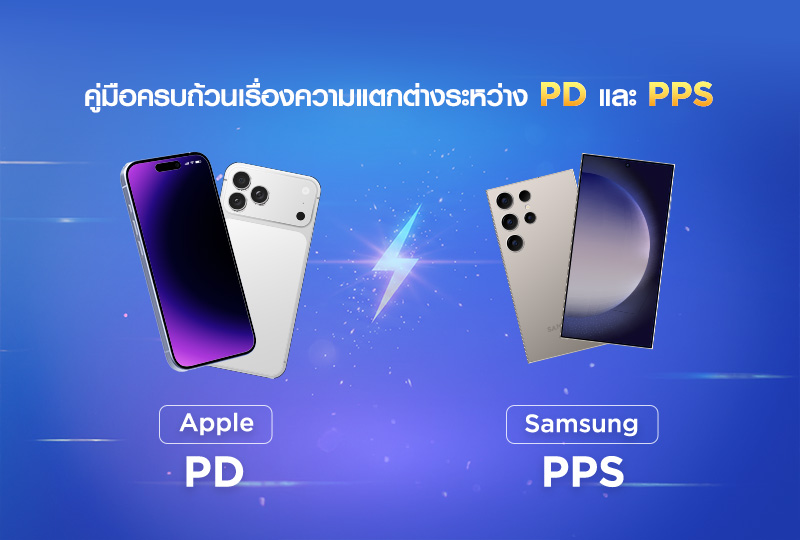
USB PD (Power Delivery)

Automatically adjusts voltage and current; cross-brand compatibility

Almost all USB-C laptops

If your laptop supports USB PD fast charging, compatibility is generally high. For most users, seeing USB PD support is enough to make a purchase decision.

In most cases:

  • If the plug type matches and wattage is sufficient, the laptop can charge
  • Charging speed depends on the protocol and wattage

Simply put:

  • Protocol determines charging speed
  • Wattage and connector type determine whether it can charge

3. Choose Based on Usage Scenarios

Different usage scenarios require different types of laptop chargers:

Home or Desktop Use

  • Choose a higher-wattage, high-power charger

  • Suitable for long hours and high-performance laptops

Travel, Business Trips, or Commuting

  • Compact and lightweight charger

  • USB-C PD compatible

  • Supports multi-device charging

Charging Multiple Devices Simultaneously

  • Choose a multi-port charger

  • Supports intelligent power distribution

  • Can fast charge both laptop and smartphone

⚠ Important: The charger’s total output power must exceed the combined power requirements of all connected devices. Otherwise, after power distribution, each device may receive less power than needed, slowing down laptop fast charging.
4. Frequently Asked Questions About Laptop Charging

Q1: Can I use a phone charger to charge my laptop?

Generally, yes—but you must ensure:
• The charger’s wattage meets laptop requirements
• The connector type matches
• The charger supports 20V output
Most smartphone chargers have lower wattage, resulting in much slower charging speeds or even incomplete charging. Therefore, a phone charger is suitable only for emergency use, not as a long-term solution.


Q2: Does fast charging damage the laptop battery?

Using a certified laptop charger will not damage the battery. Fast charging itself does not harm modern laptop batteries.
Avoid uncertified or low-quality chargers, as unstable voltage may affect battery health. Most modern laptops feature intelligent battery management systems that automatically adjust voltage and current to protect battery lifespan.


Q3: Can chargers from different brands be shared?

Yes, but ensure:
• Matching wattage
• Compatible charging connector
• Matching power adapter specifications


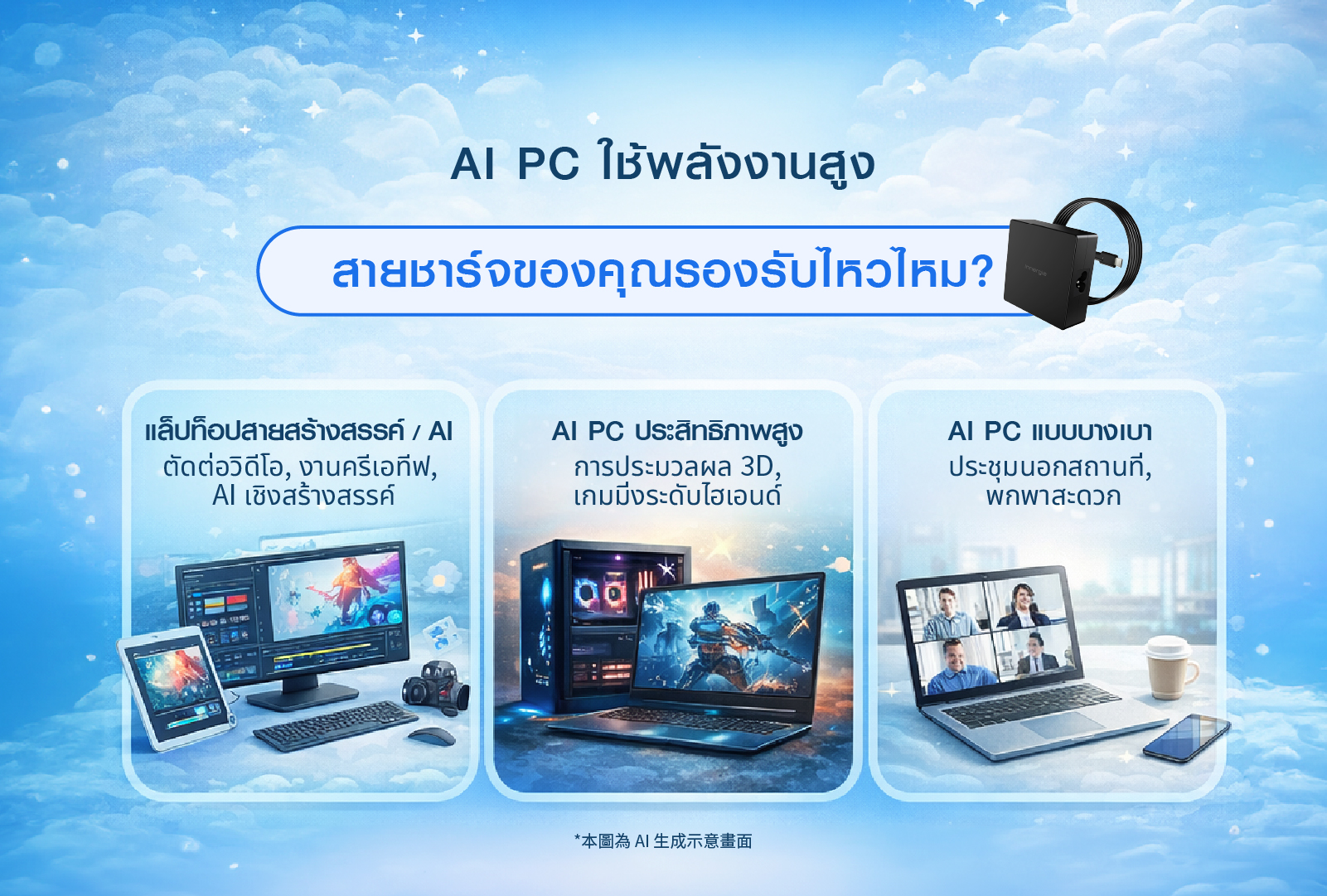
Q4: Do AI laptops or heavy workloads affect charger requirements?

AI computing, image processing, and multitasking keep laptops running at high power for extended periods. This increases demands on charger stability and thermal design.
That is why choosing a charger with complete power engineering design and international safety certifications is especially important.

5. Conclusion: 3 Key Points When Choosing a Laptop Fast Charger

1. Correct Wattage for Safe Charging

Choose a charger with wattage equal to or slightly higher than your laptop’s original specification.

2. Protocol Compatibility

Ensure the charger supports required fast charging protocols such as USB PD for optimal compatibility and safe multi-device use.

3. Match Your Usage Scenario

Select home, travel, or multi-device chargers according to your needs for maximum convenience.

Choose Innergie laptop chargers and keep your laptop powered anytime—no more slow charging or compatibility concerns.

Why Choose Innergie Laptop Chargers?

Backed by over 50 years of power supply R&D from Delta Electronics, Innergie integrates industrial-grade power stability and safety standards into everyday USB-C laptop chargers.

Whether for office work, travel, or high-performance computing, Innergie delivers stable, safe, and efficient charging performance.

  • Supports USB PD fast charging
  • Certified with multiple international safety standards
  • Built to original manufacturer–level safety specifications

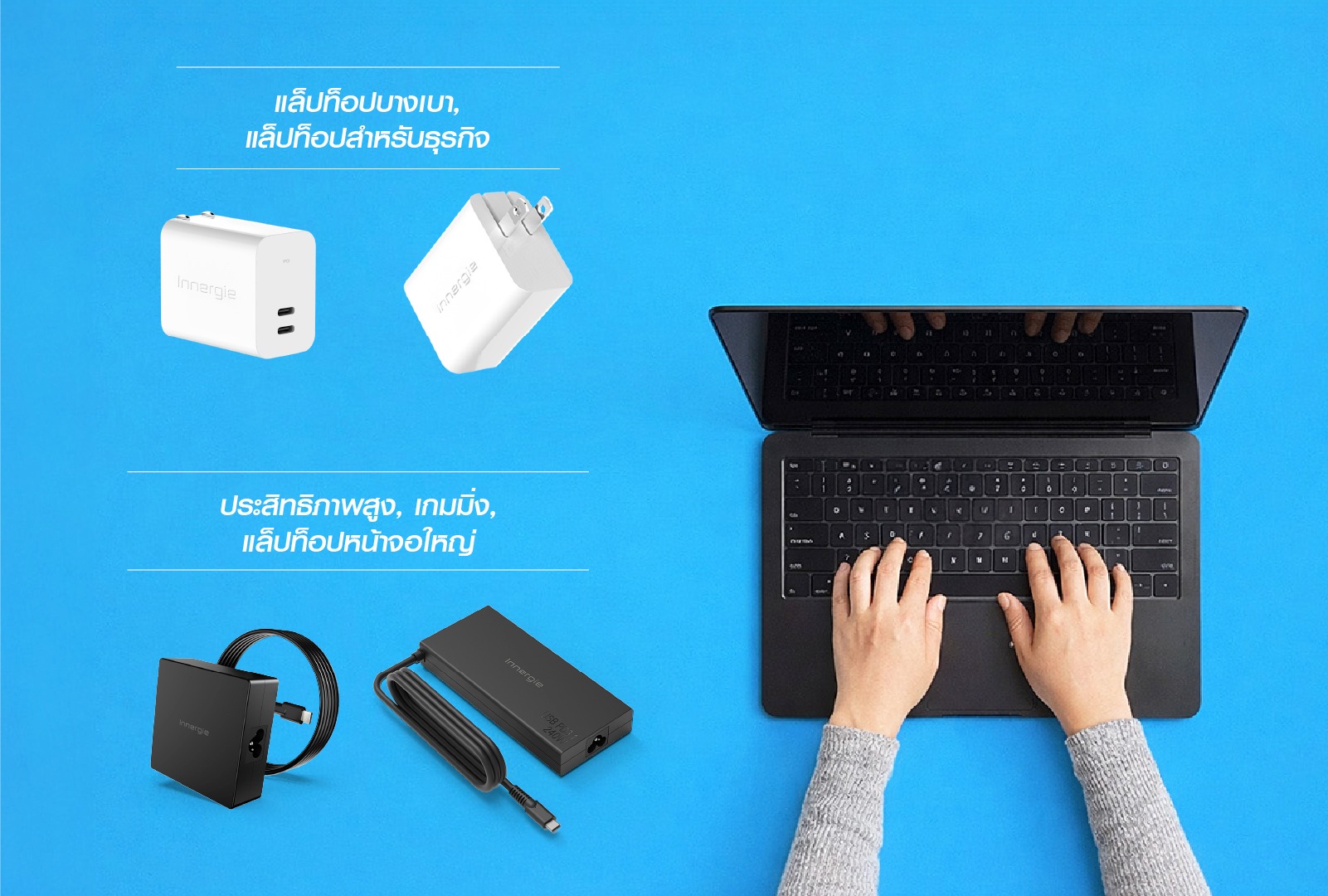
For Thin & Light Laptops / Business Laptops

For High-Performance, Gaming & Large-Screen Laptops

With the right USB-C PD laptop charger, you can ensure safe, fast, and reliable charging—no matter where you work or travel.

Thai